Articles
Redirect From FireSide To Podeo
Below are general guidelines on how to redirect your podcast from FireSide to Podeo:
- Log in to your FireSide account.
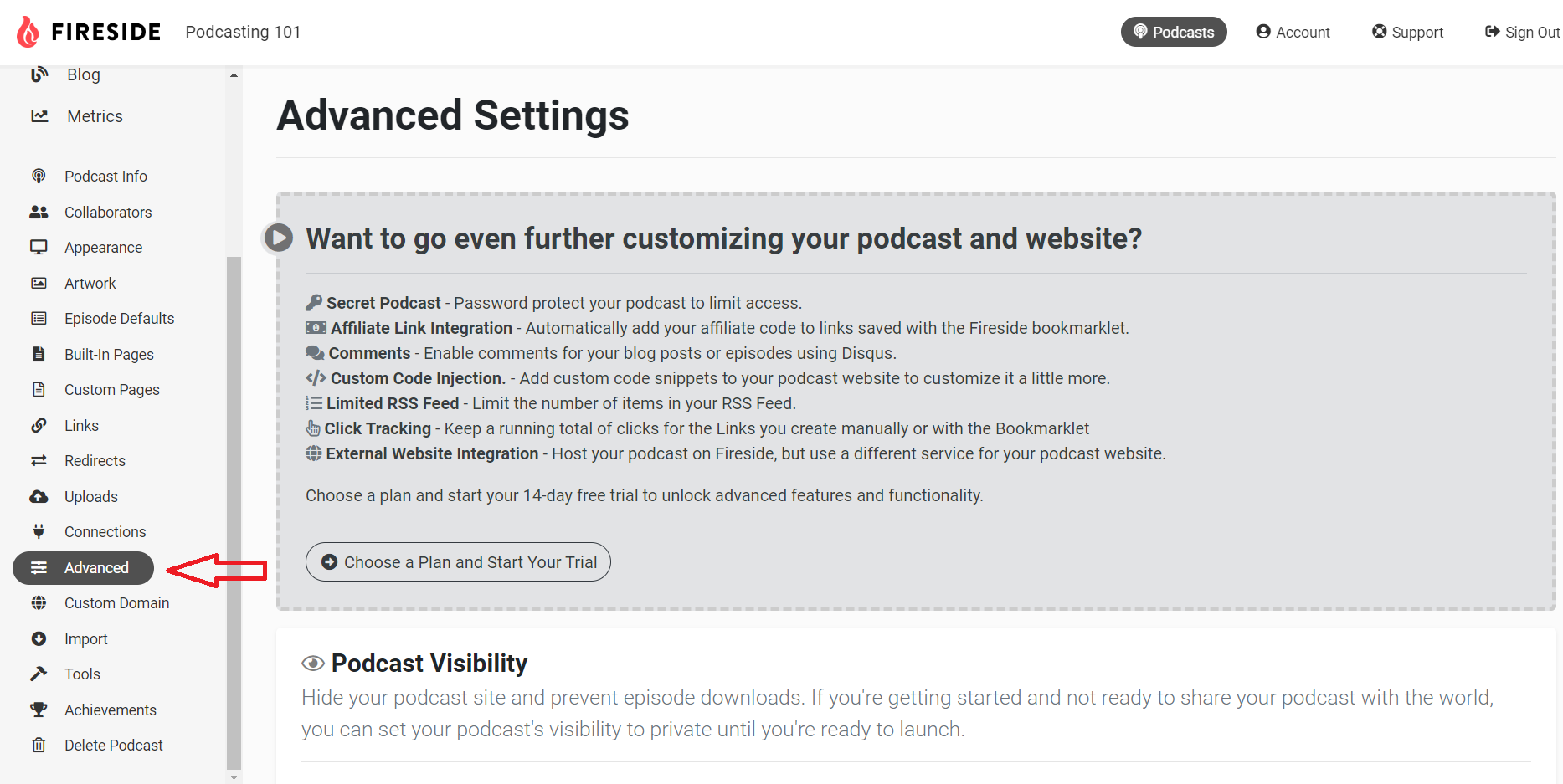
- Access the podcast you wish to redirect and click on "Advanced".
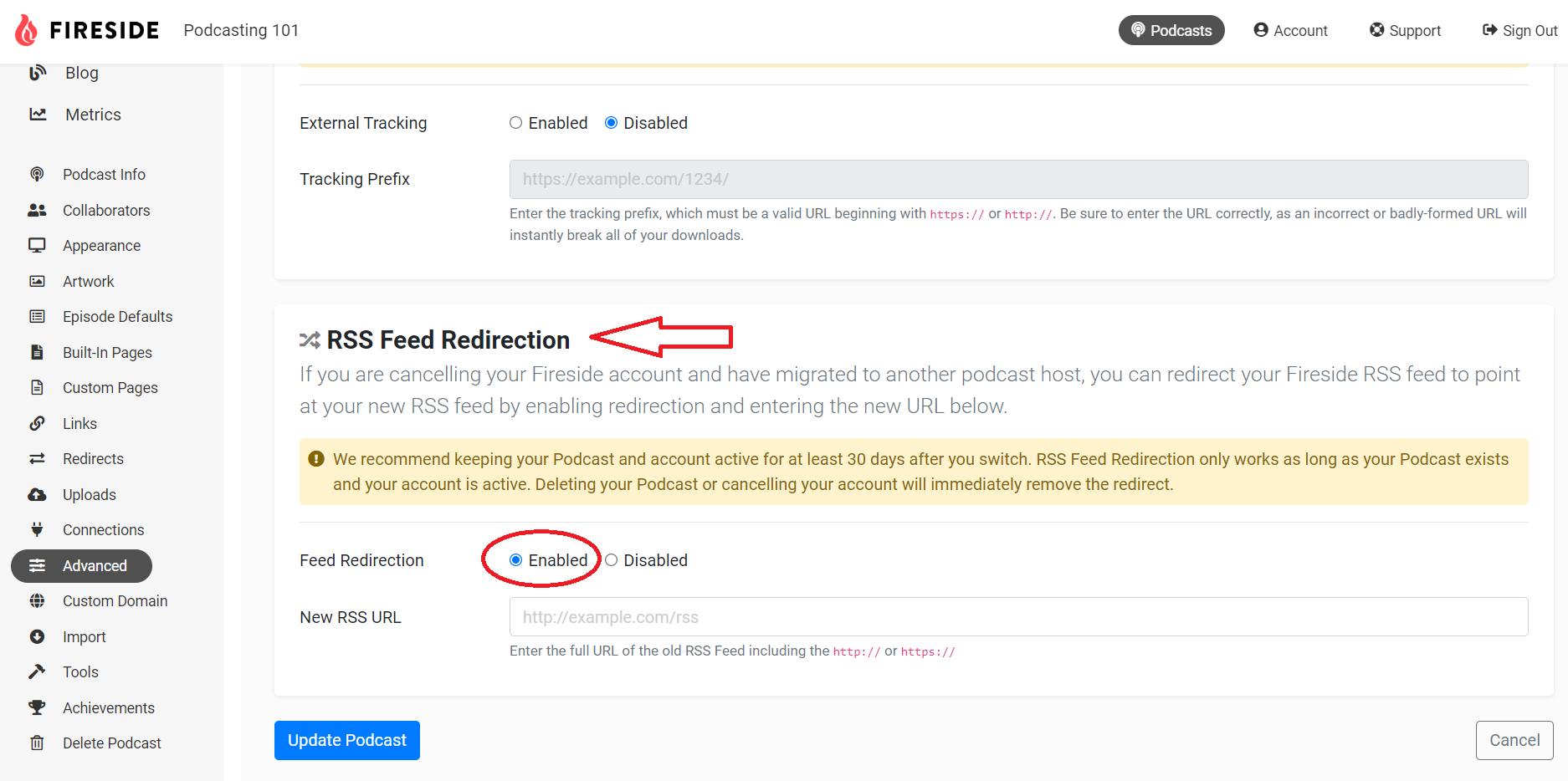
- Scroll down to "RSS Feed Redirection" and click on "Enabled".
- Add your Podeo RSS Feed URL and click on "Update Podcast".
- Finally, go back to our dashboard and approve the redirection.
Was this article helpful?
No votes yet