Articles
Publish On Amazon Podcasts
In order for you to submit your podcast to Amazon Podcasts, follow these simple steps:
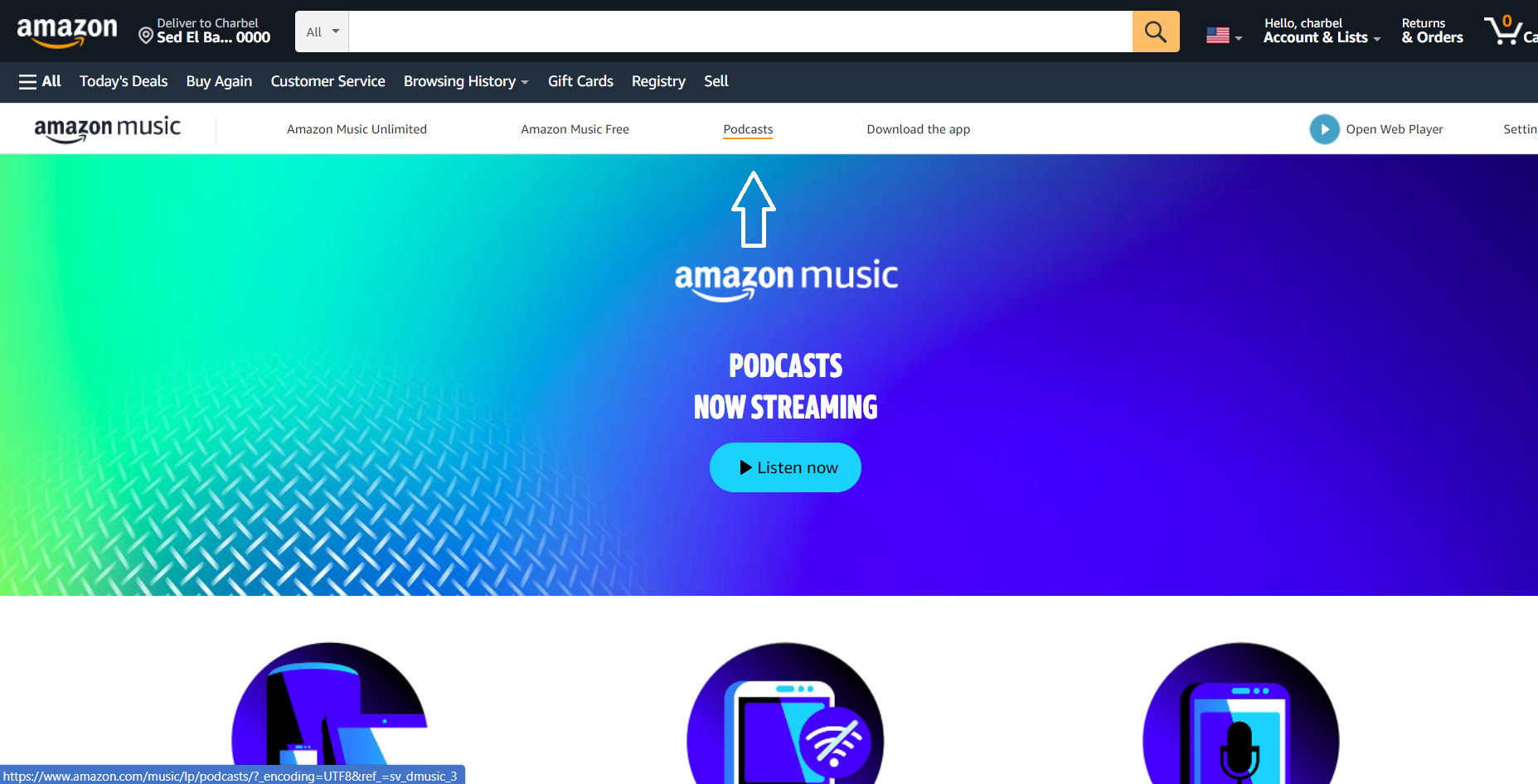
- Access Amazon Podcasts, and click on "Podcasts".
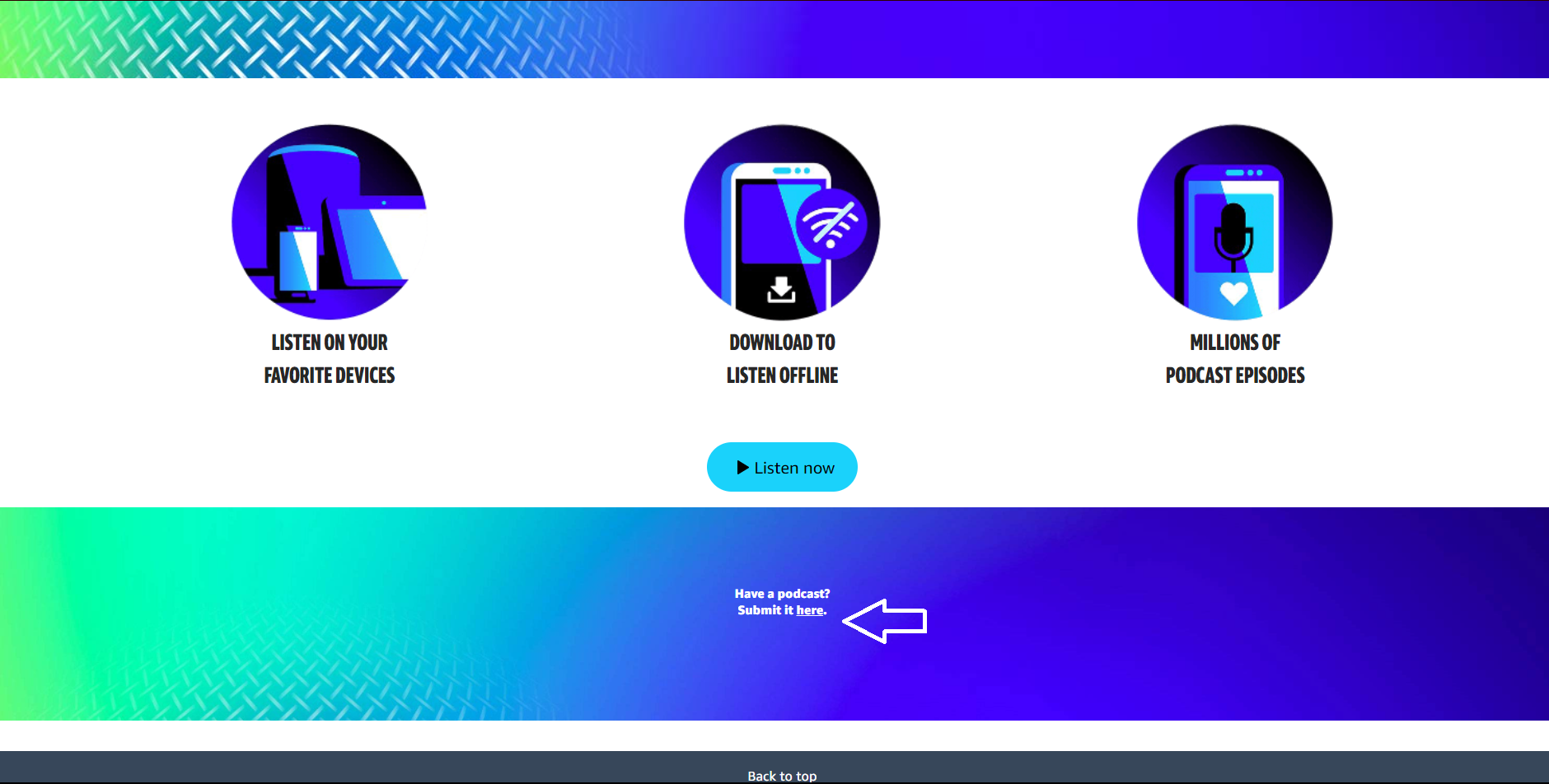
- Scroll down and click on "Submit it Here".
- Now it's time to add your RSS Feed.
Click on "Add Or Claim Your Podcast".
- Enter your RSSFeed.
After entering your RSS, select the primary country for your podcast.
-
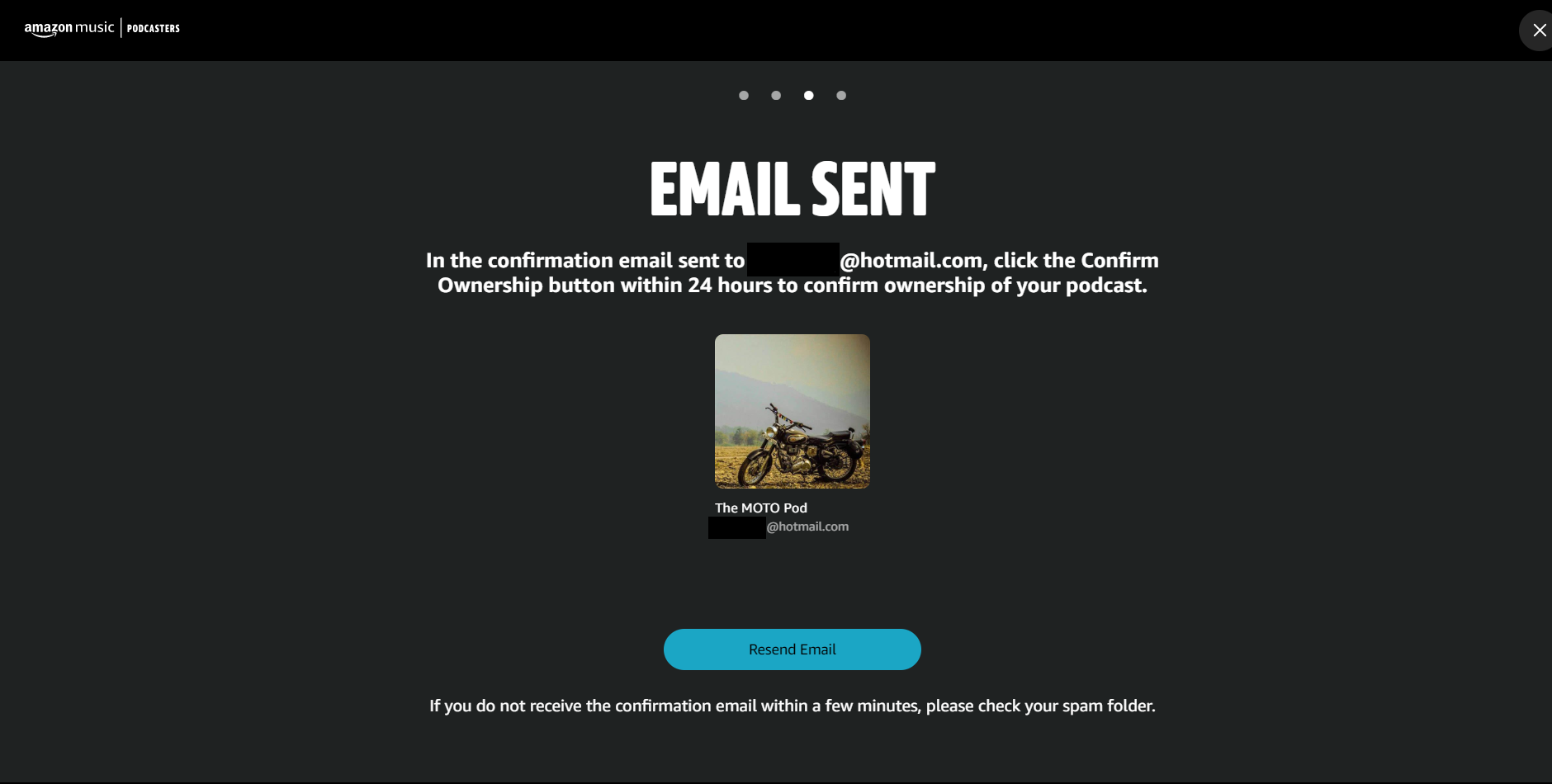
Confirm ownership of the podcast.
Agree to the terms and conditions of Amazon, and click on "Confirm Email". You will then receive a confirmation email containing a link. Click on it to verify ownership.
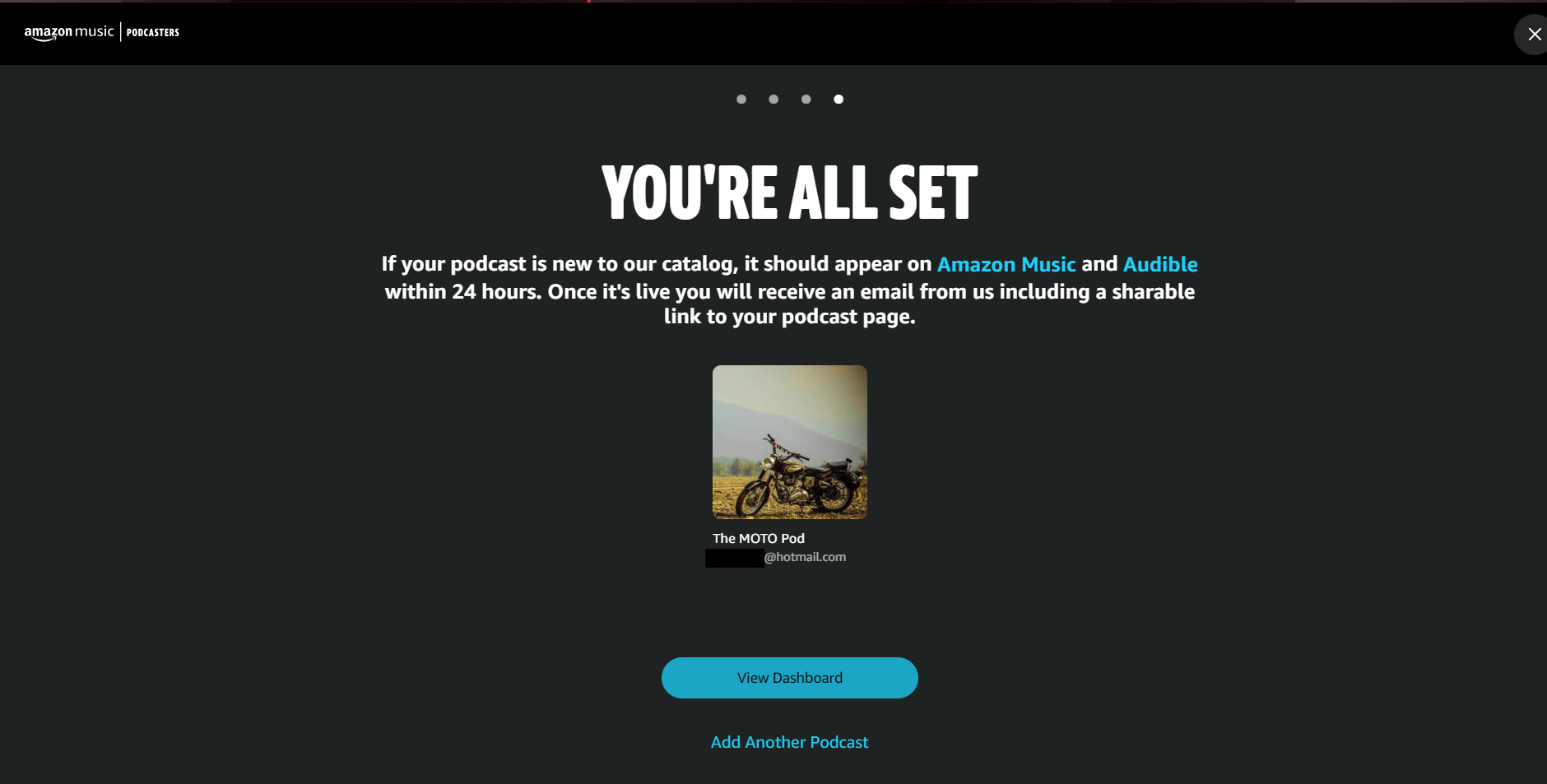
- Once you confirm ownership your podcast will show on Amazon and Audible within 24 Hrs.
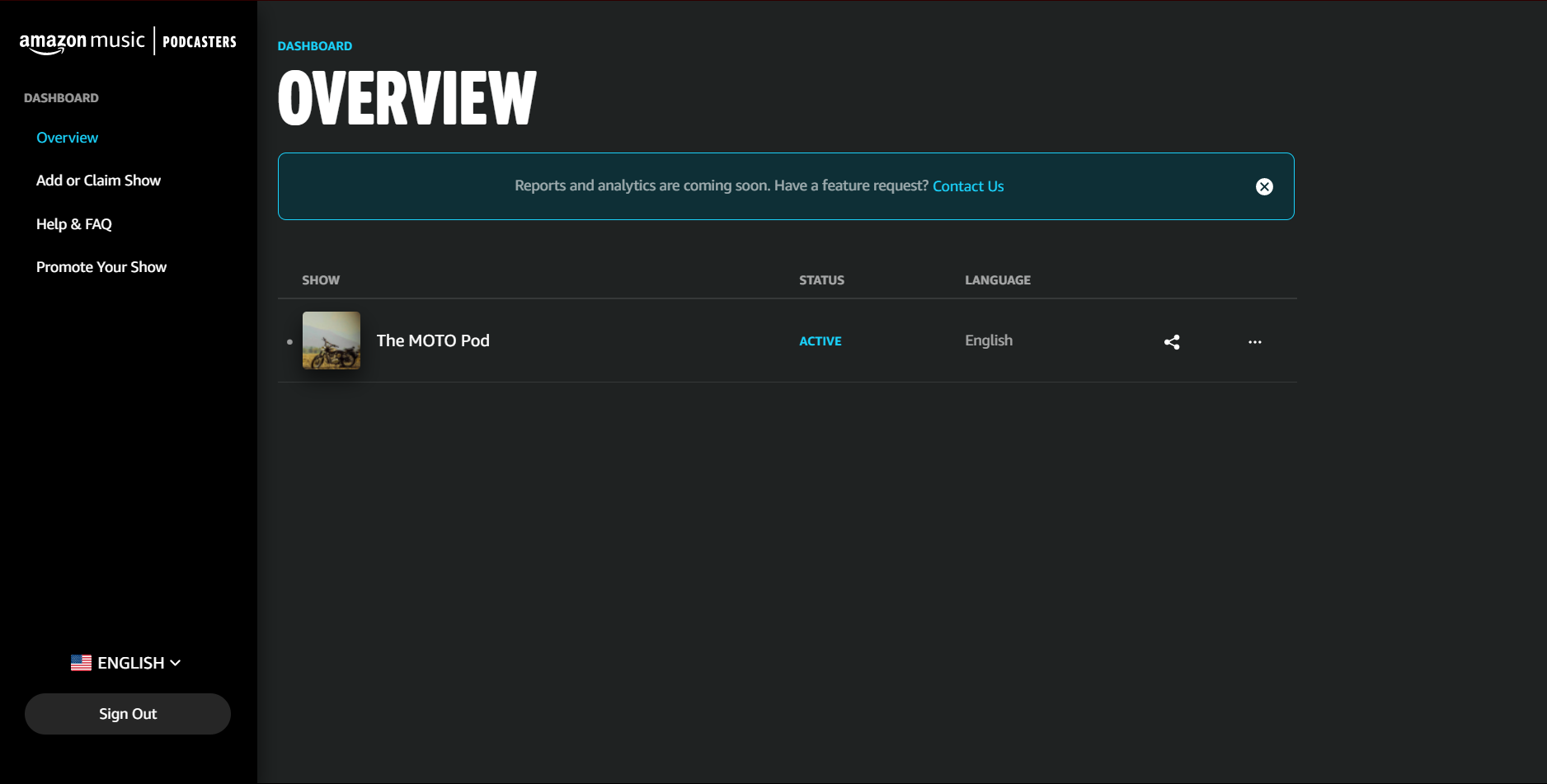
- Click on "View Dashboard" to access your podcast and analytics.
Was this article helpful?
No votes yet