Articles
Publish On Player FM
In order for you to submit your podcast to Player FM, follow these simple steps:
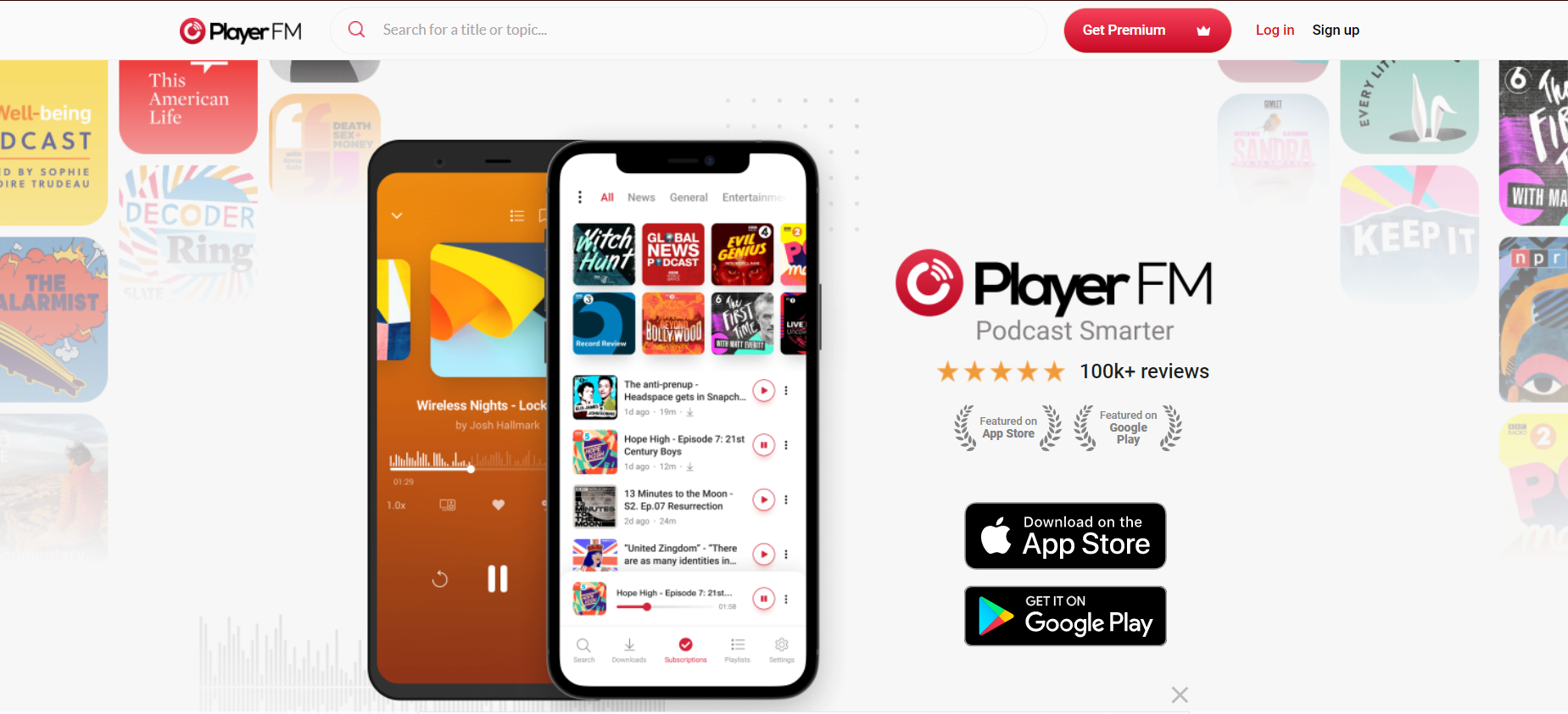
- Access Player FM, and click on Sign Up.
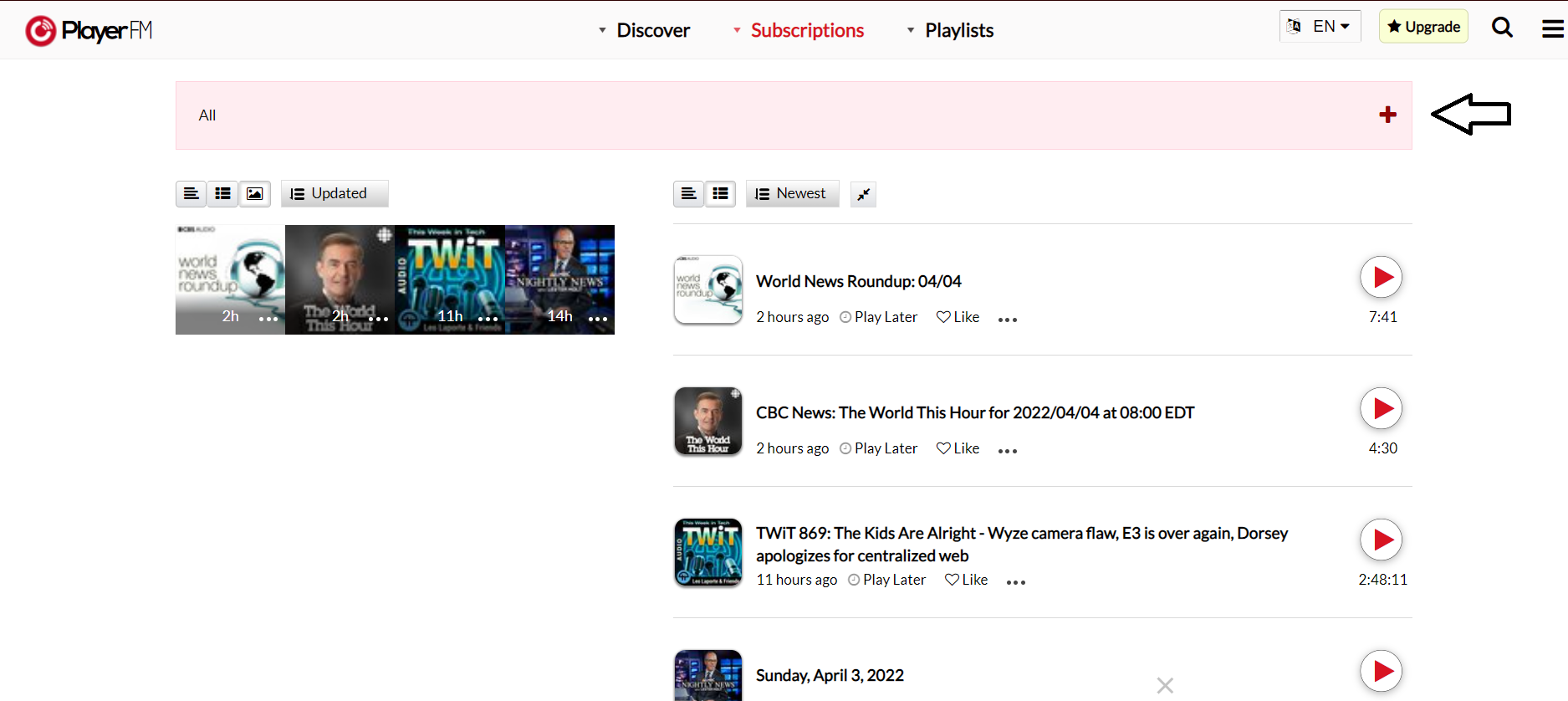
- After siging up or logging in, click on the "+" button.
-
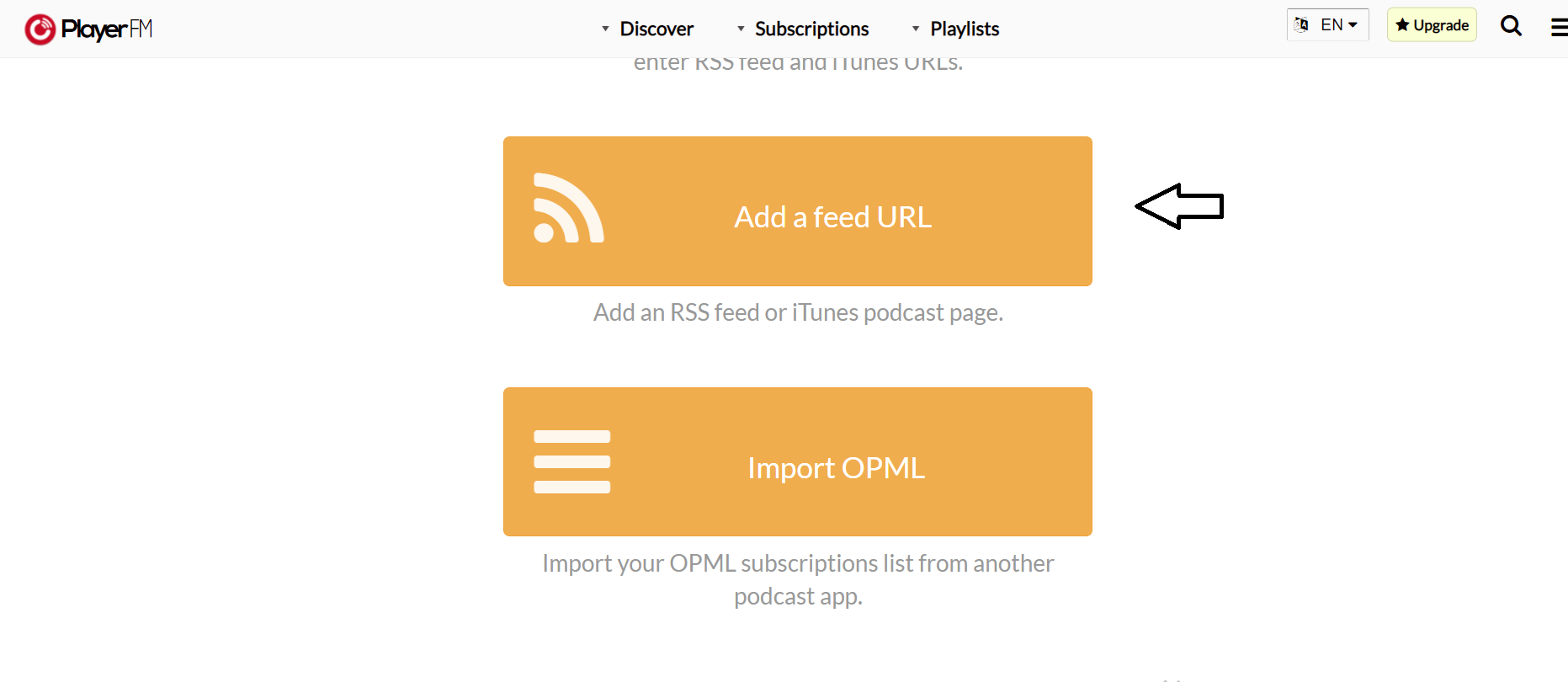
Scroll down and click on "Add a feed URL".
- Enter your RSS feed.
Choose "Public", and then click on "Import Feed".
- Wait for approval and publish your podcast.
Was this article helpful?
No votes yet