Articles
Publish On Apple Podcasts
In order for you to submit your podcast to Apple Podcasts, follow these simple steps:
- Login to Apple Podcasts
Click on "Sign In".
- Once you login, you will be redirected to the Apple Podcasts Connect page.
Click on "Add Show".
- Choose a show type.
Click on "Add a show with an RSS feed" and then click on "Next".
-
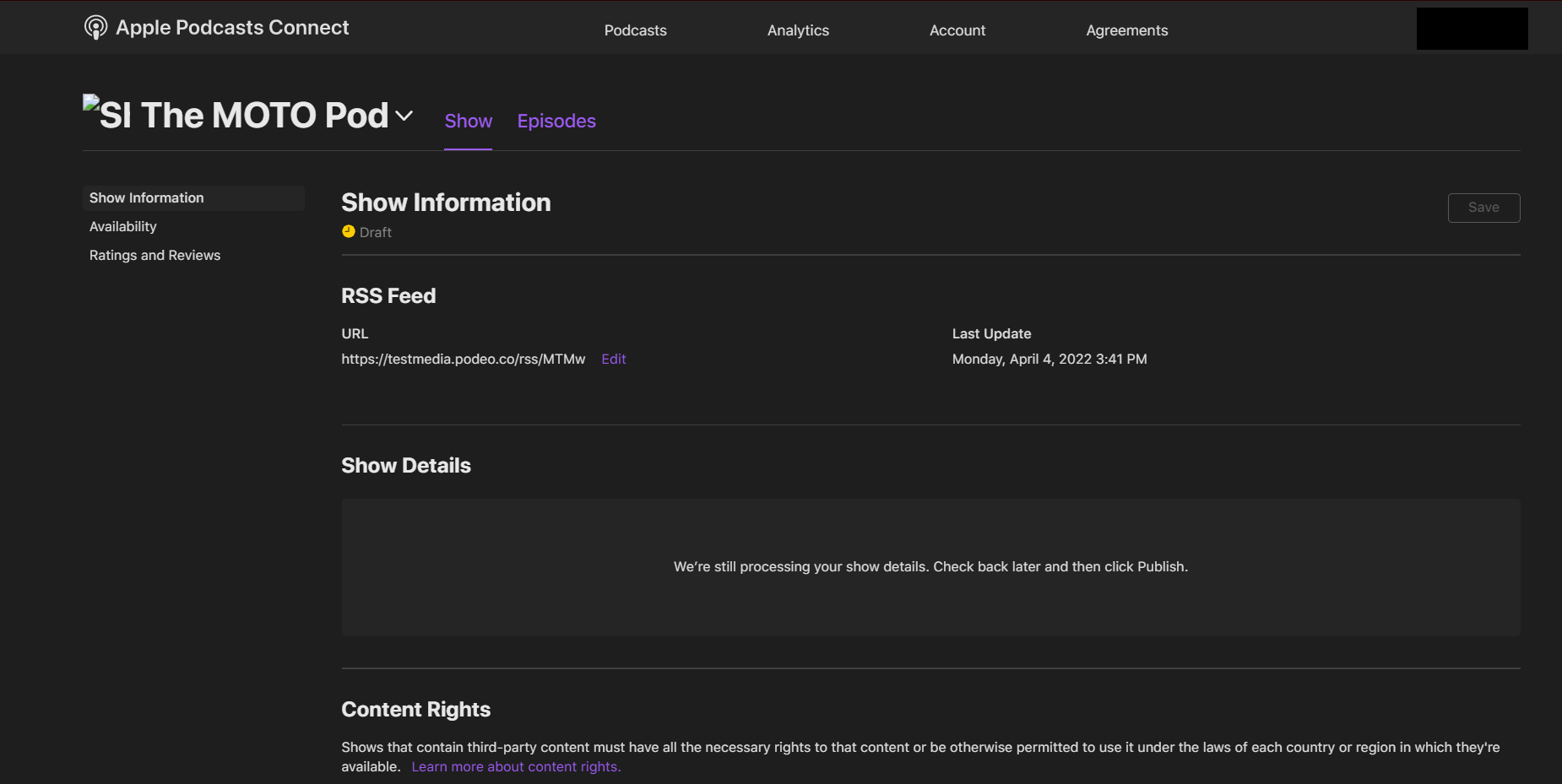
Insert your RSS Feed.
Click on "Add".
- Fill in your show's information
- Wait for Apple's confirmation and finally click on Publish.
Was this article helpful?
No votes yet