Create Your First Podcast
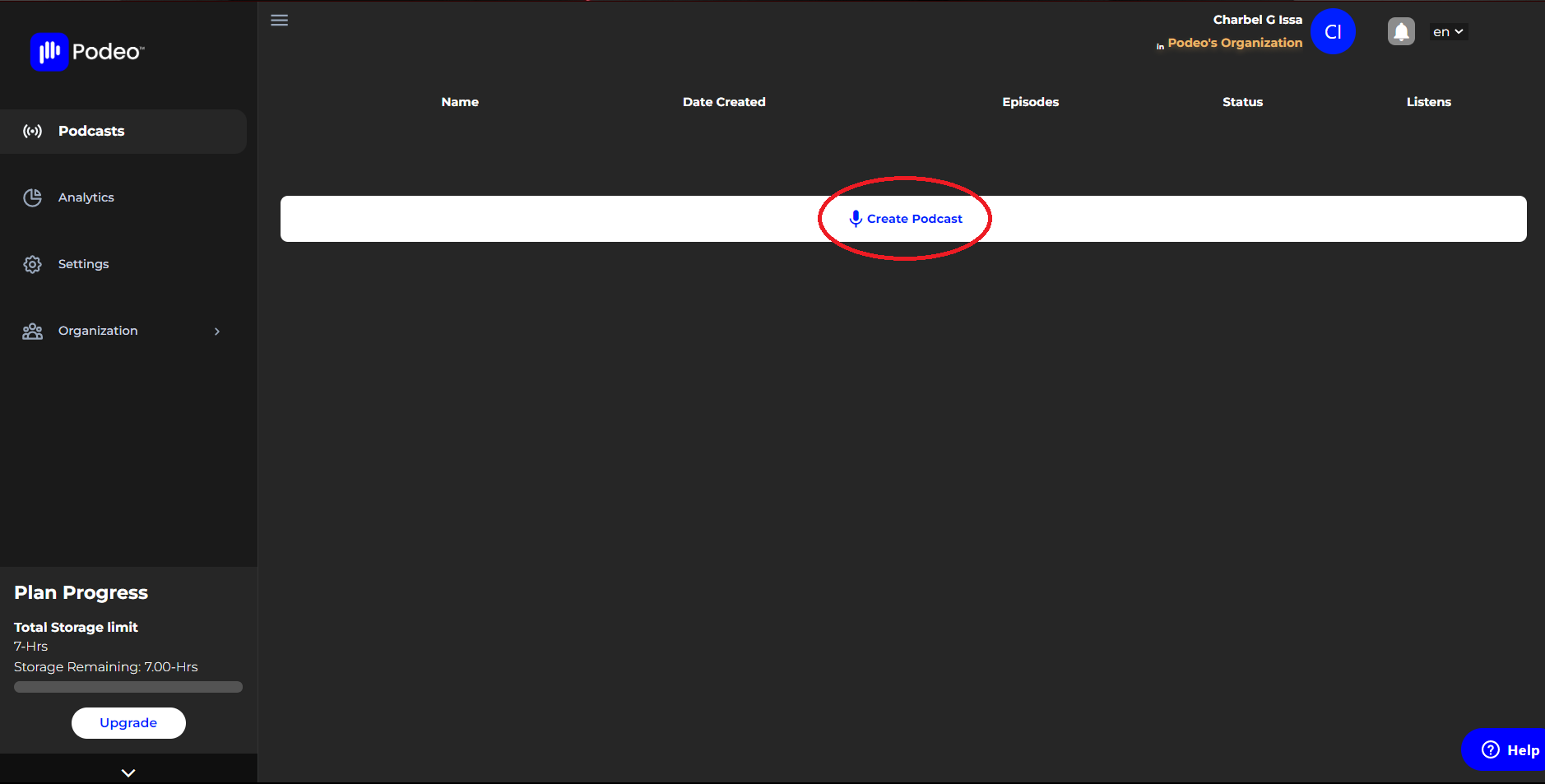
Once you have created your account you will be automatically redirected to the creator's home dashboard.
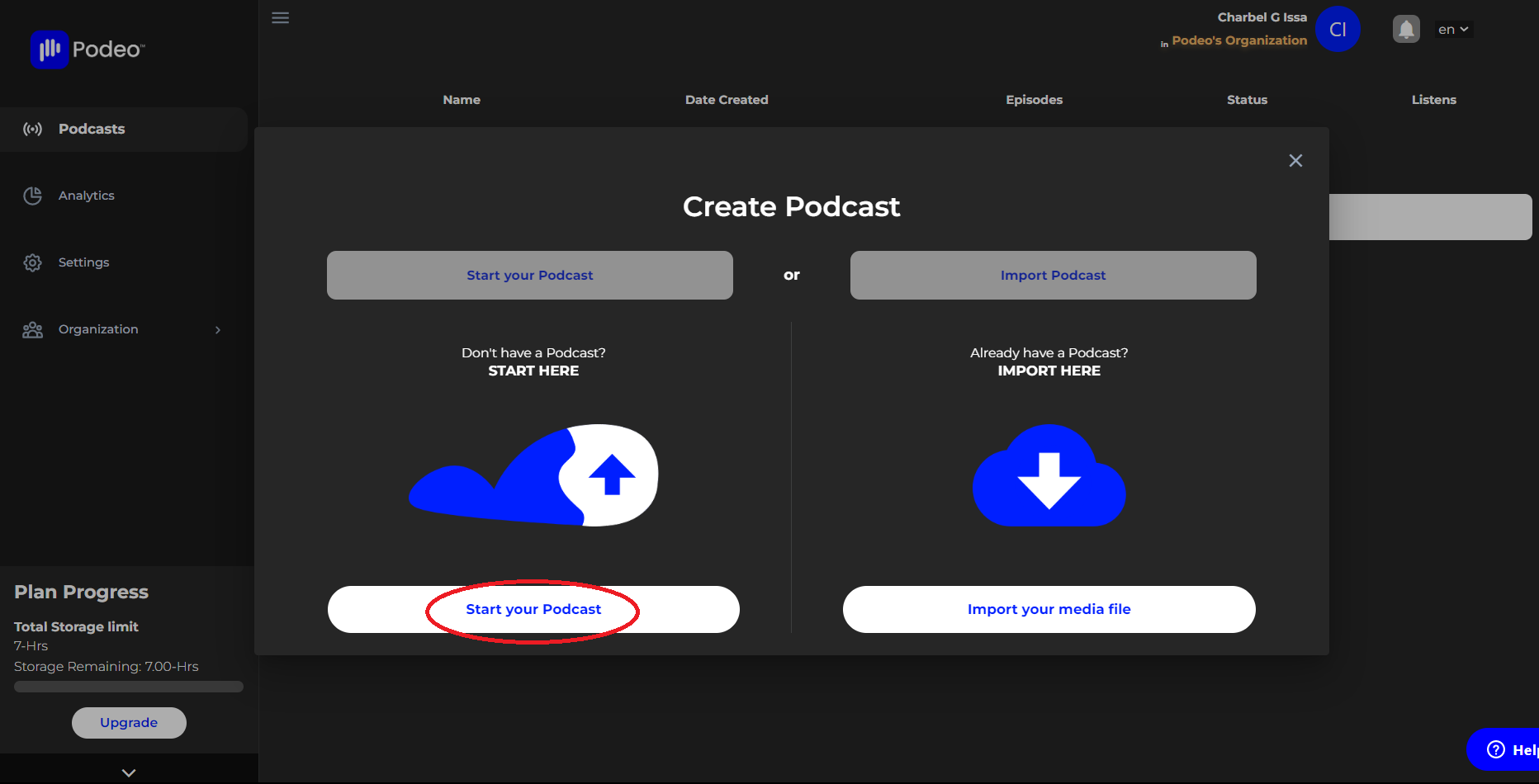
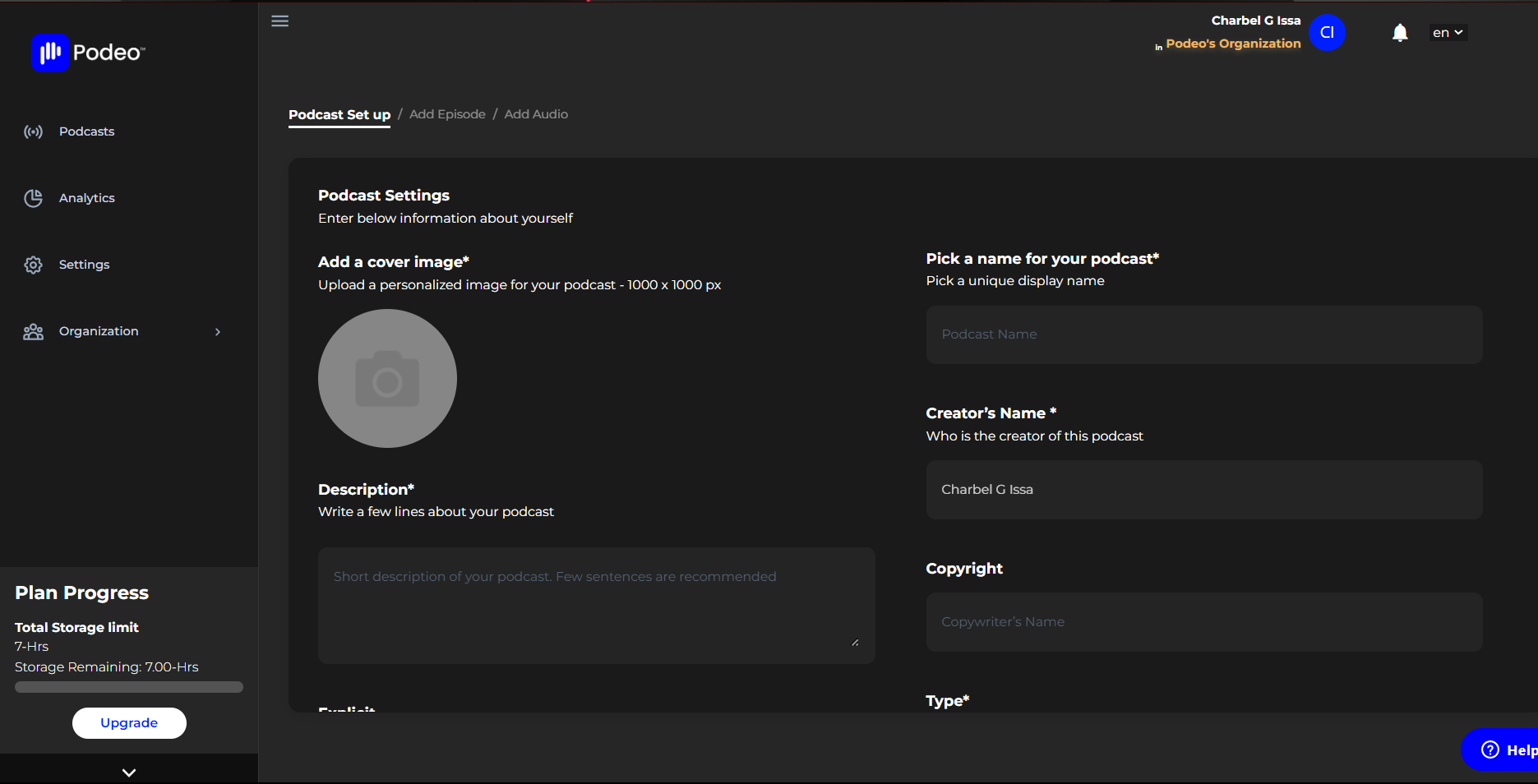
Click on "Start Your Podcast" where you will be asked to fill in your podcast title and a short description, add a cover image of your choice, and fill in some details of your show.
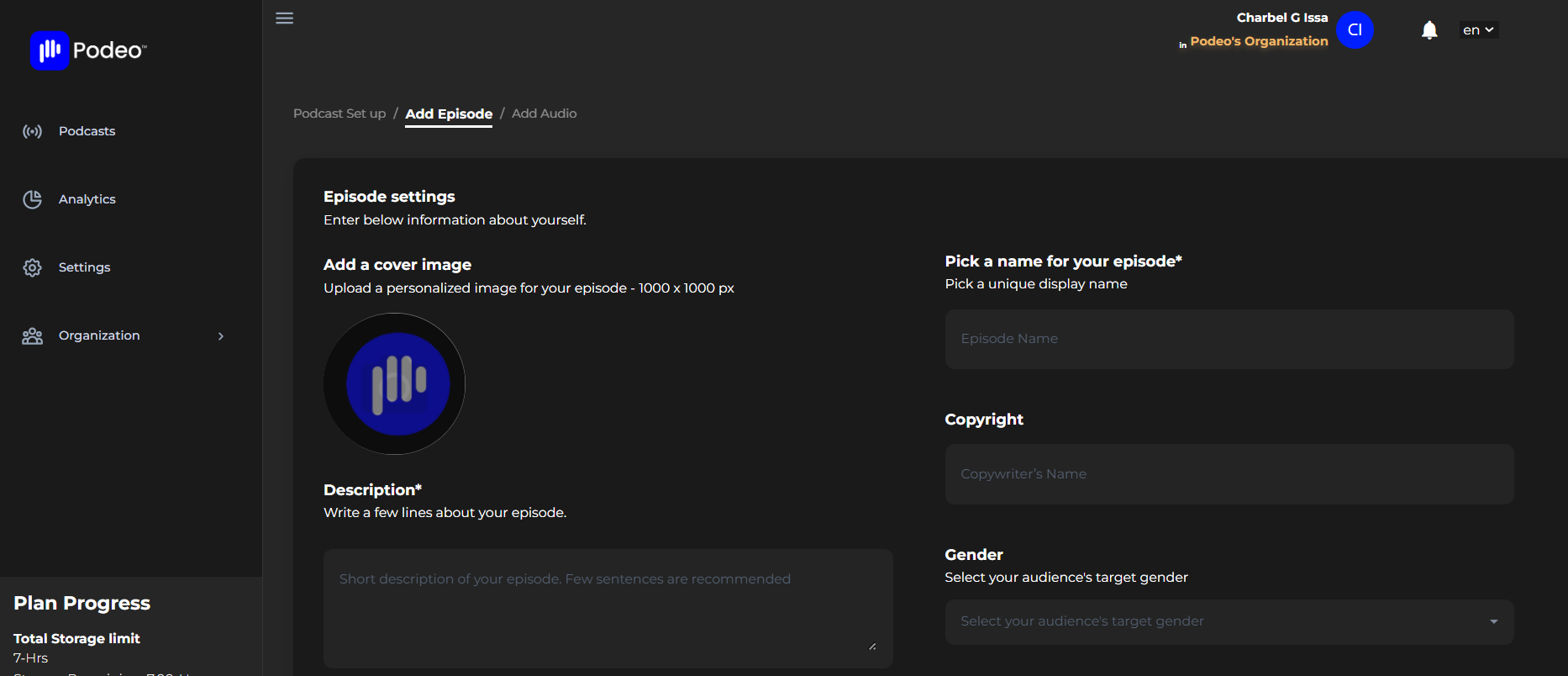
The next step is to add an episode. You are able to customize each episode by adding its information and description, picking a name, a cover image and also choosing which podcast you wish to add this episode.
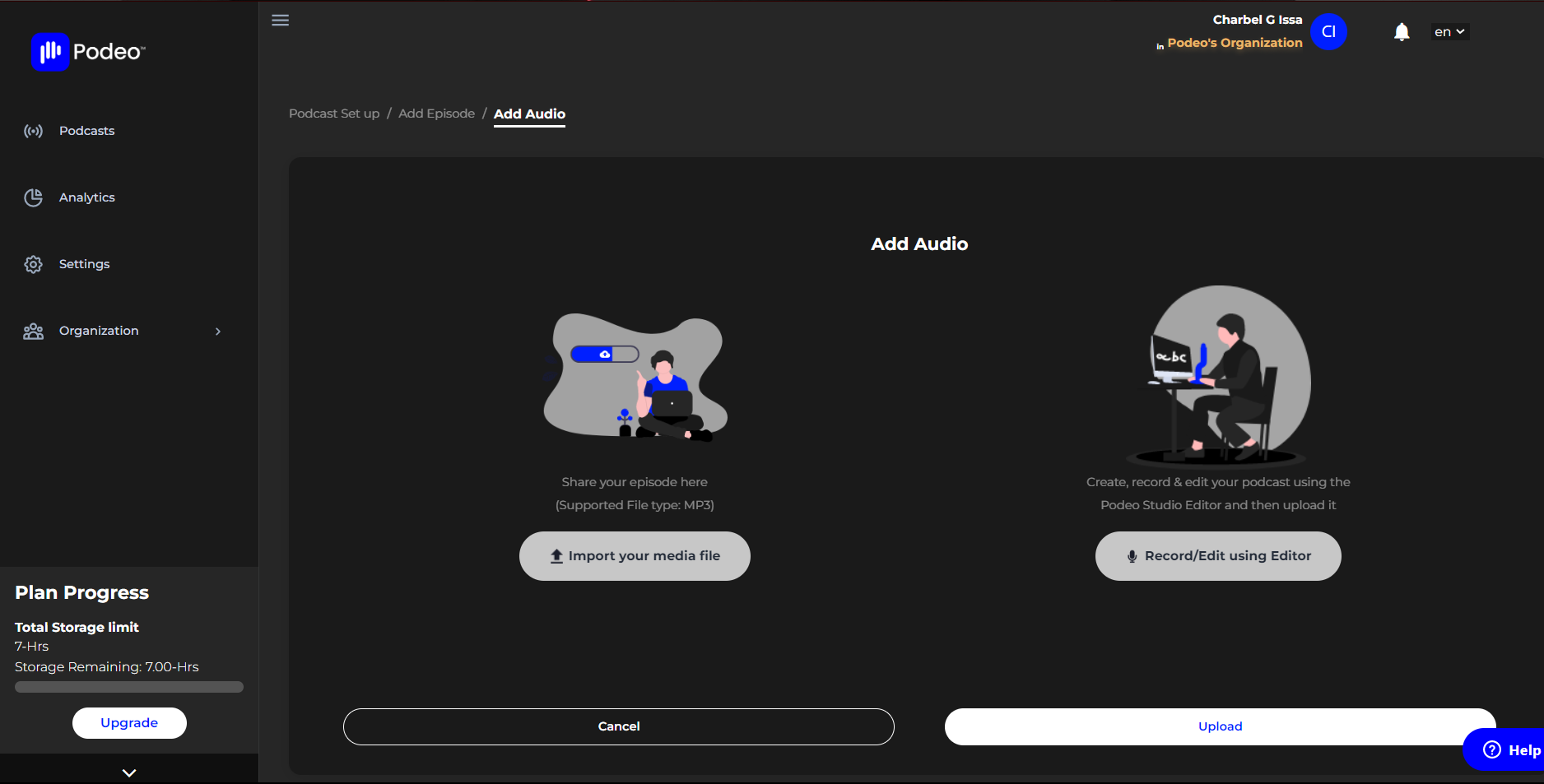
Finally, it's time to add your audio. If you already have an audio file click on the upload icon where you will be asked to insert your RSS feed, if not, you will be able to record your own podcast and edit it afterward using our recording and editing tool or you can upgrade your plan and we will book you a session in our professional studio where you will benefit from the help and expertise of our dedicated sound engineers.
Was this article helpful?
1 out of 1 found this helpful