How Do I Edit My Podcast Information?
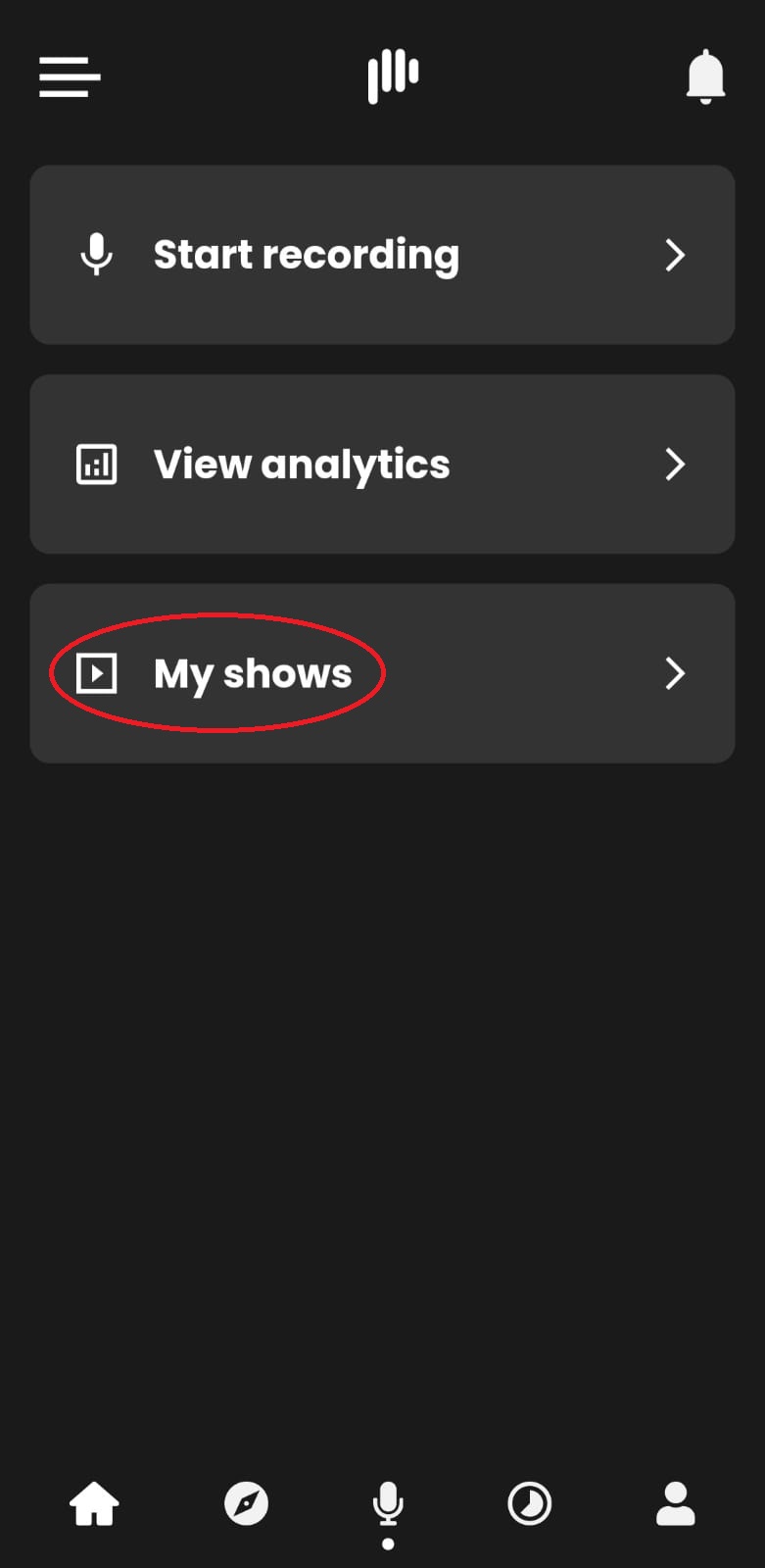
You must first click on the recording menu to edit your podcast information and select “My Shows.”
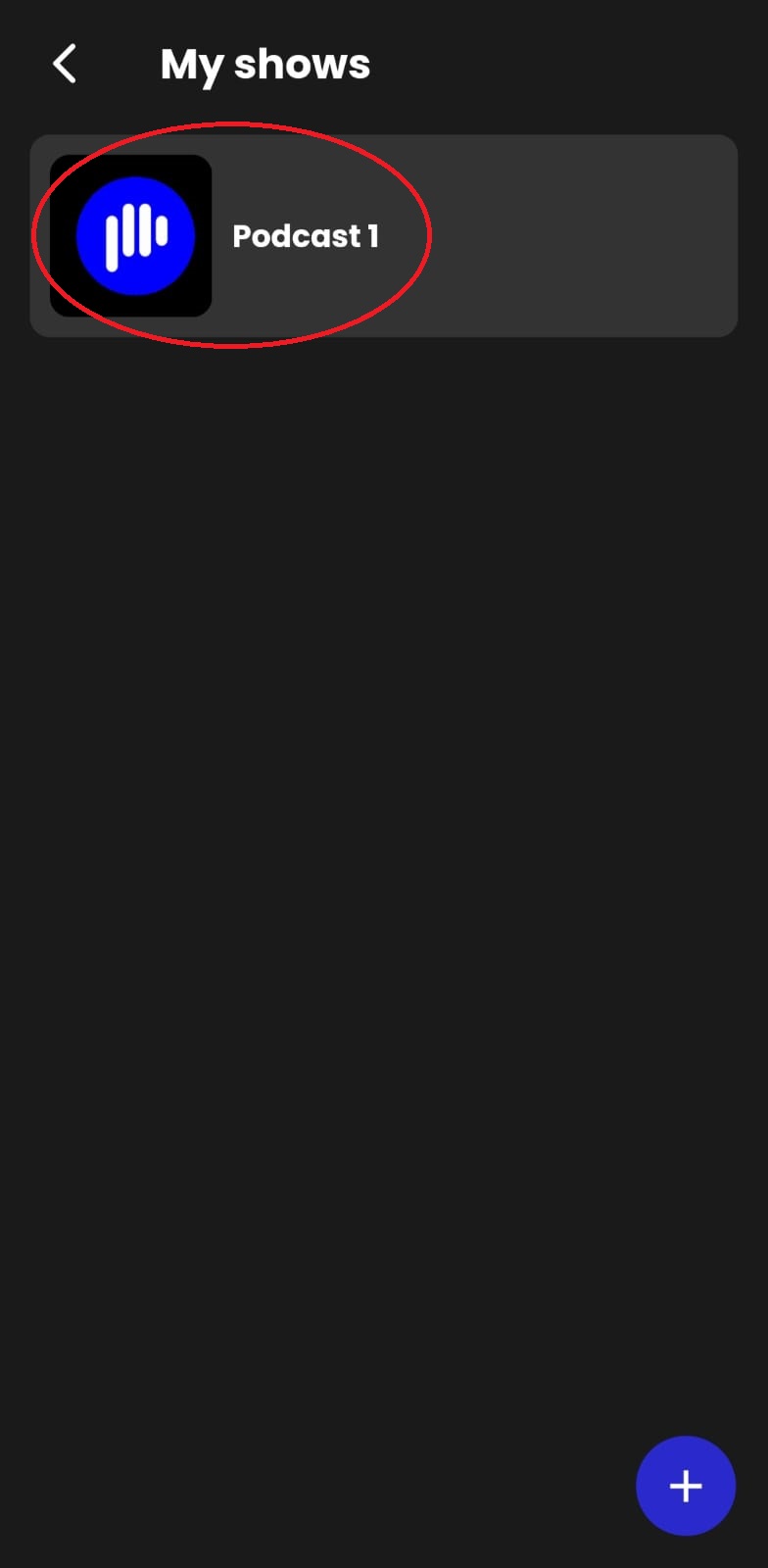
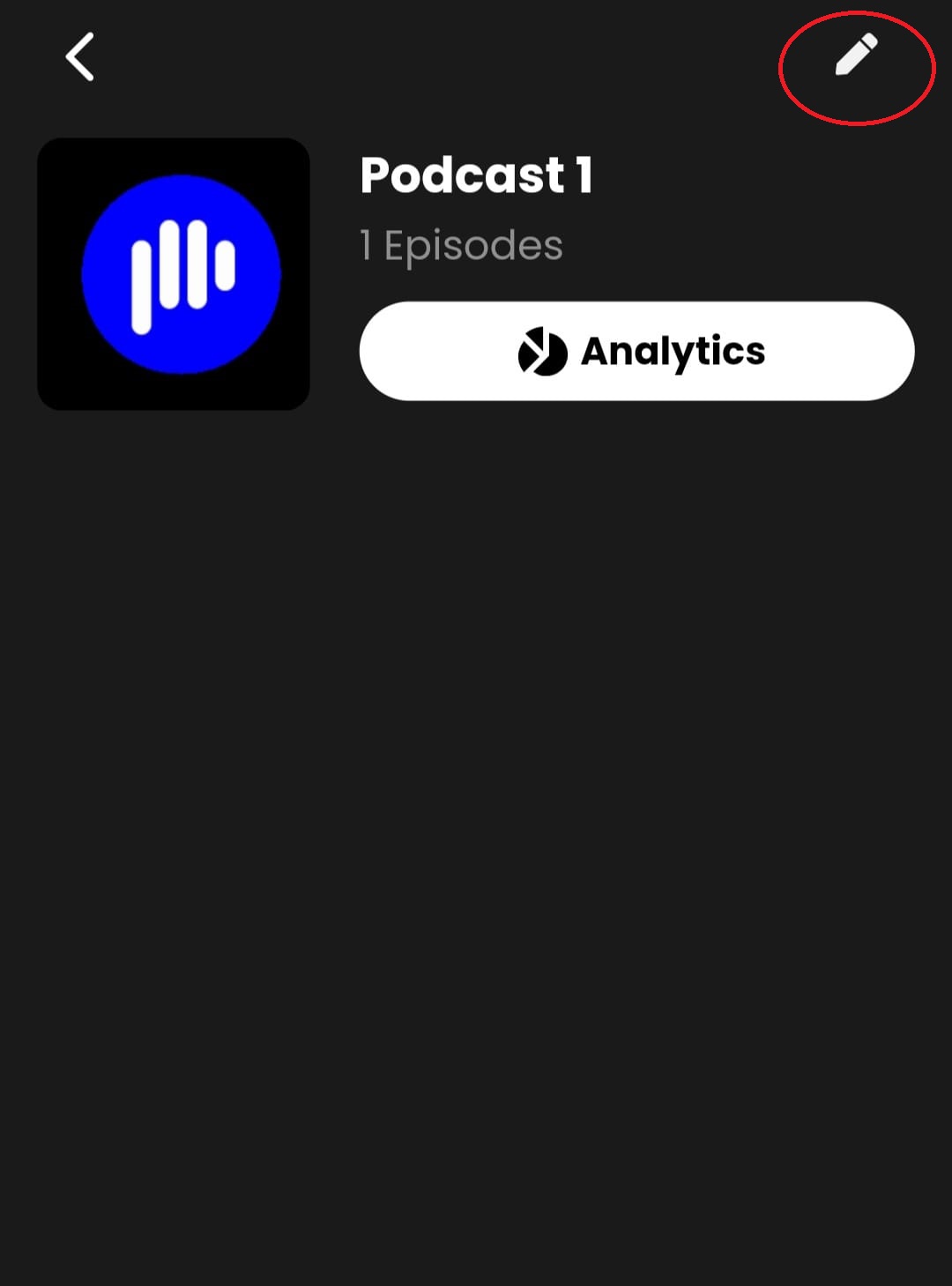
All of your podcasts will now appear under “My shows” choose the podcast you wish to edit and click on the editing button at the upper right corner of your screen.
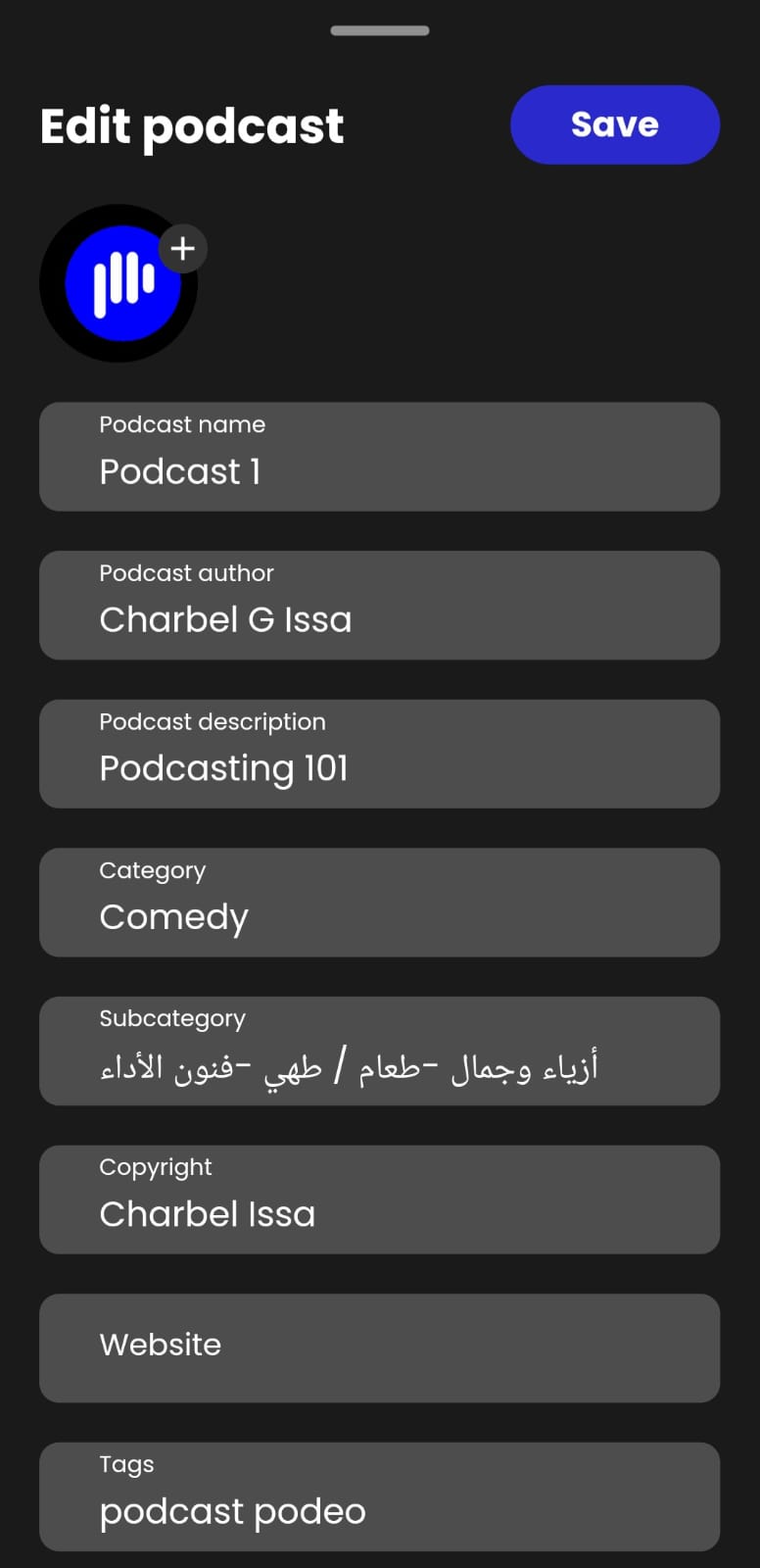
You will now be able to edit your podcast information and change your cover photo.
Finally, after implementing the changes, click on “Save.”
Was this article helpful?
No votes yet